 Turkish
Radiation Zone
Radiation Zone
0.0 0 Plays
Radiation Zone
0.0
FPS This FPS drops you right into the thick of it with zombies and terrorists. The survival elements are a nice touch, making you think about more than just shooting. Definitely keeps you on your toes!
Reviewed and approved by our editor Ubeydullah Alpfidan.
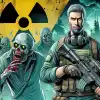
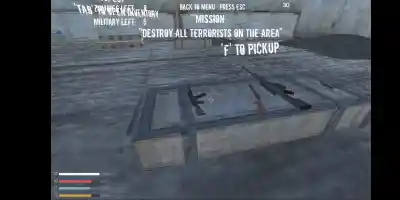
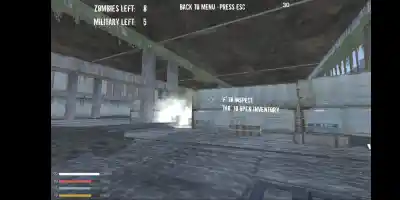
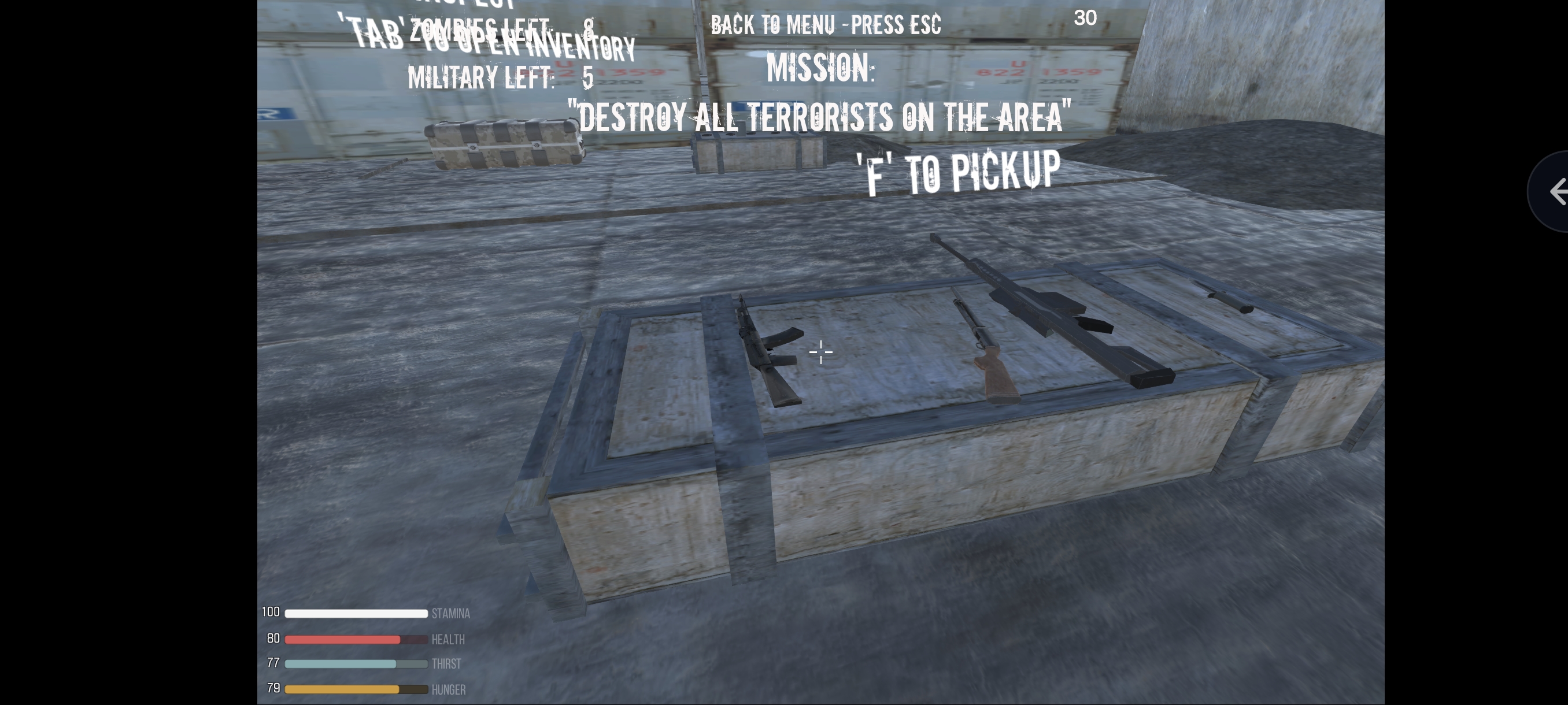
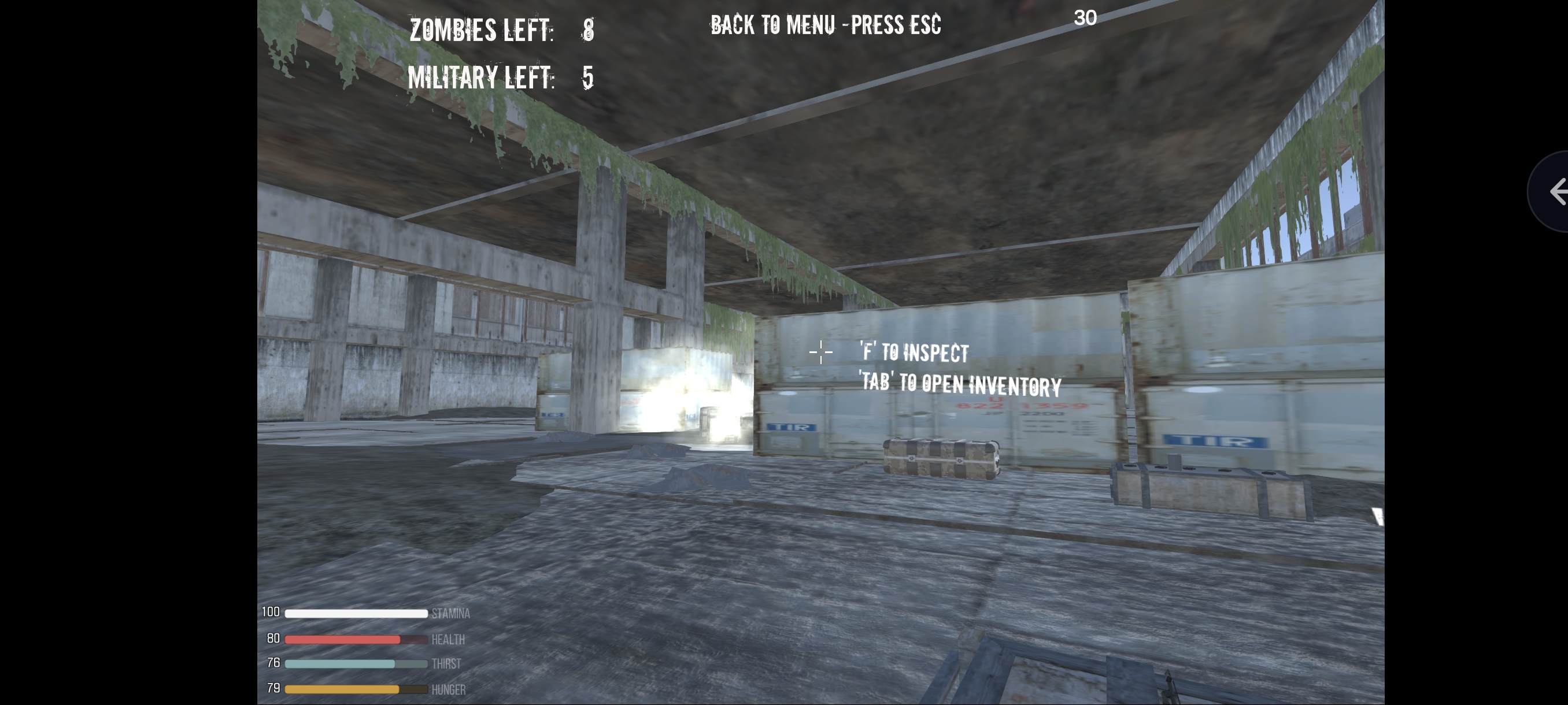
It is FPS shooter with zombies and military. Your mission is to clear area from all terrorists on the restricted radiation zone. You can find and use many kind of weapons and amo on the area. Available for You inventory, where you can collect a loot for surving. For make a tent, you need to collect a four clothes and four branches. Also You need to find a water and food for a life. Good luck for complex mission!
WASD - Movement Ctrl - Crouch LShift - Sprint Q E - Lean left right F - PickUp Or Inspect Weapon Box 1 2 3 - Switch Weapons G - Grenade LMB - Fire RMB - Aim Tab - Inventory Double click on item - to use Double right click -drop
WASD - Movement, Ctrl - Crouch, LShift - Sprint, Q E - Lean left/right, F - PickUp/Inspect, 1 2 3 - Switch Weapons, G - Grenade, LMB - Fire, RMB - Aim, Tab - Inventory, Double click on item - use, Double right click - drop
Game Info
0
Plays
43
Views
0
Shares
Release Date 3 June 2026
Last Update 28 October 2026
Orientation Landscape


Comments
0💬
No comments yet. Be the first to comment!
🎮 Related Games
🧿 Most Viewed

Swipy Basketball
0.0
🧿 Most Viewed

Gun Evolution Game
0.0
🧿 Most Viewed
Us Army Vehicle Transport Truck
0.0
🧿 Most Viewed

Emoji Survivor - Neon Arena
0.0
🧿 Most Viewed
Undead Walking 3D
0.0
🧿 Most Viewed

Zombie Parade Defense 6
0.0
👑 Editor

Commando Gun Shooting
0.0
👑 Editor

Vexon
5.0
🧿 Most Viewed

Stickboy Defender
0.0
🧿 Most Viewed

Johnny Trigger 3d Game
0.0
🧿 Most Viewed

Hill Survival Shooting Game
0.0
🧿 Most Viewed

Mr Tomato VS Zombies
0.0
🧿 Most Viewed

Slash The Hordes
0.0
🧿 Most Viewed
Space Destroyer
0.0
🧿 Most Viewed
Battle Simulator Stickman Zombie
0.0
🧿 Most Viewed

Battle Shot Elite
0.0
Games Not Loading?
Safe Internet Deactivation Guide