 Turkish

Run and Shoot: GOAL!
Run and Shoot: GOAL!
0.0 0 Plays
Run and Shoot: GOAL!
0.0
Action This game is a fun mix of running and shooting with a soccer twist. The power-up mechanic is cool, and trying to perfectly time your shots feels really rewarding. Totally a good way to pass the time.
Reviewed and approved by our editor Ubeydullah Alpfidan.
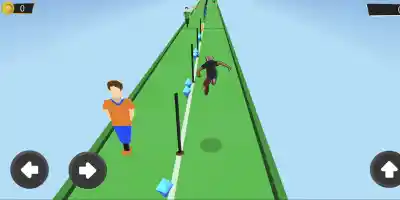
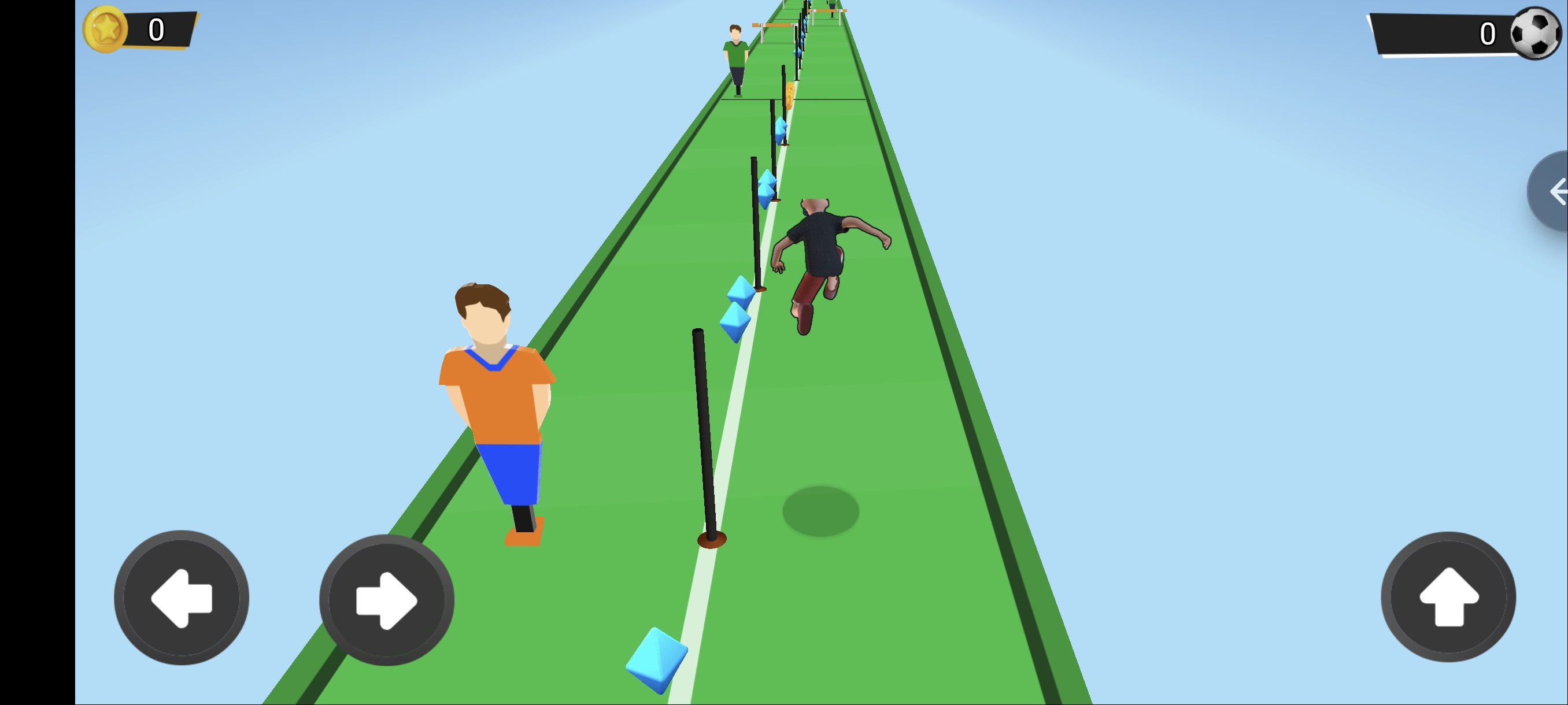
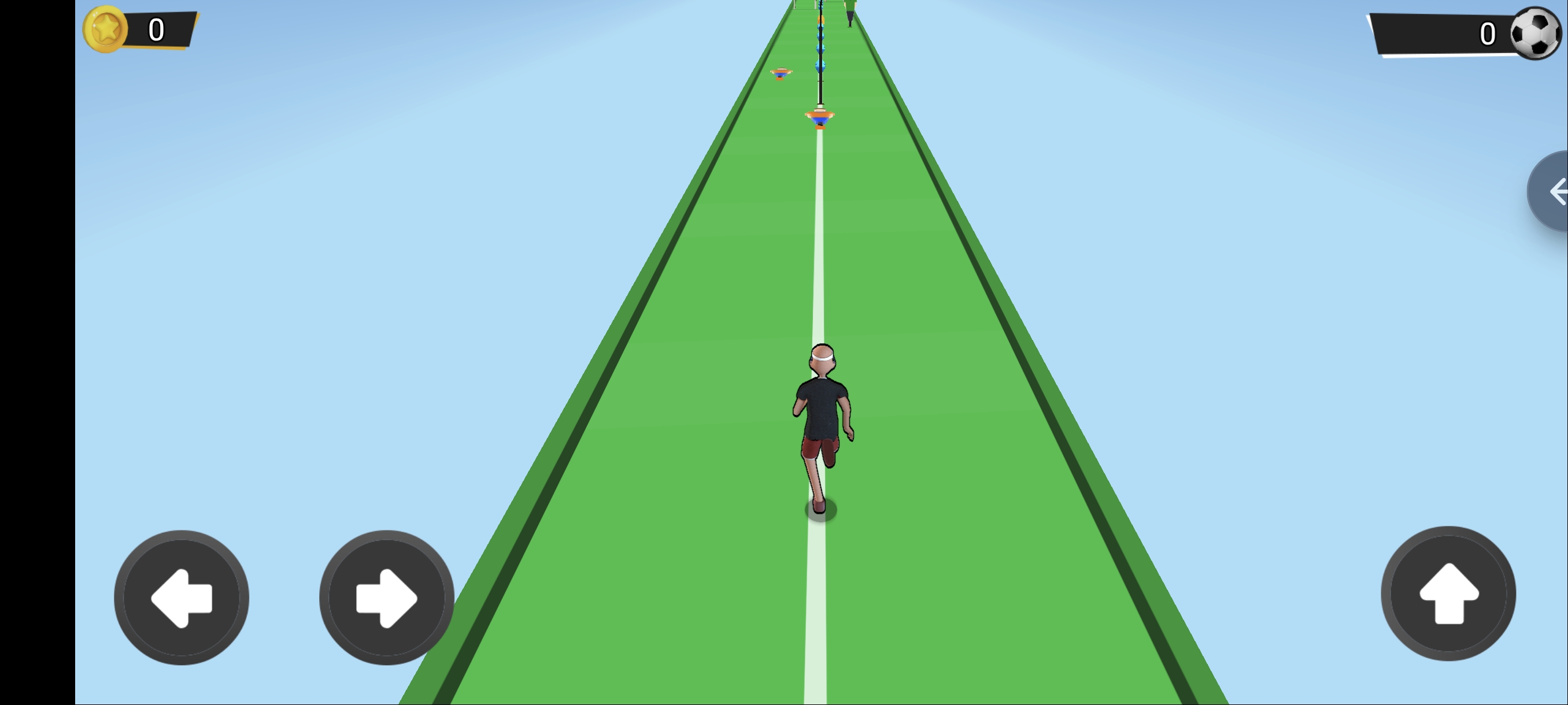
Run without hitting obstacles and opposing team players. collect as much blue power as you can and hit the ball harder. Then direct the ball and try to pass the goalkeeper. You can score your goal and move on to the next level! According to the power you collect, the height of the ball increases and the probability of the goalkeeper to save decreases. If you want, you can transfer between halftime and change your character. hitting sticks loses 1 power. hitting obstacles lose 10 power
Player movement - Left arrow key for move left - Right arrow key for move right - Spacebar for Jump Ball movement - Left and Right arrow keys - If you can score a goal you pass the level
Player Movement: Left arrow key to move left, Right arrow key to move right, Spacebar for Jump. Ball Movement: Left and Right arrow keys. Score a goal to pass the level.
Game Info
0
Plays
5
Views
0
Shares
Release Date 15 June 2026
Last Update 28 July 2026
Orientation Landscape


Comments
0💬
No comments yet. Be the first to comment!
🎮 Related Games
🧿 Most Viewed
Parmesan Partisan
0.0
🧿 Most Viewed

Dentist Doctor Game For Kids
0.0

PongFu
0.0
🧿 Most Viewed

Bowling Tilt
0.0
🧿 Most Viewed
Gun Rush
0.0
🧿 Most Viewed

Garden match saga
0.0
🧿 Most Viewed

Stick Up!
0.0
🧿 Most Viewed
Santa Wood Cutter
0.0
🧿 Most Viewed

The Black And White
0.0
👑 Editor

spil clash 3D Ultimate Arena
0.0
Weird Toilet Flush!
0.0

Swim or Die
0.0
👑 Editor

Circle Rush Trolley Run
0.0
🧿 Most Viewed

Stickboy Defender
0.0

Block Pusher
0.0
🧿 Most Viewed

Spiral Blitz
0.0
Games Not Loading?
Safe Internet Deactivation Guide